Discover, compare, and save the best pc components alternatives.
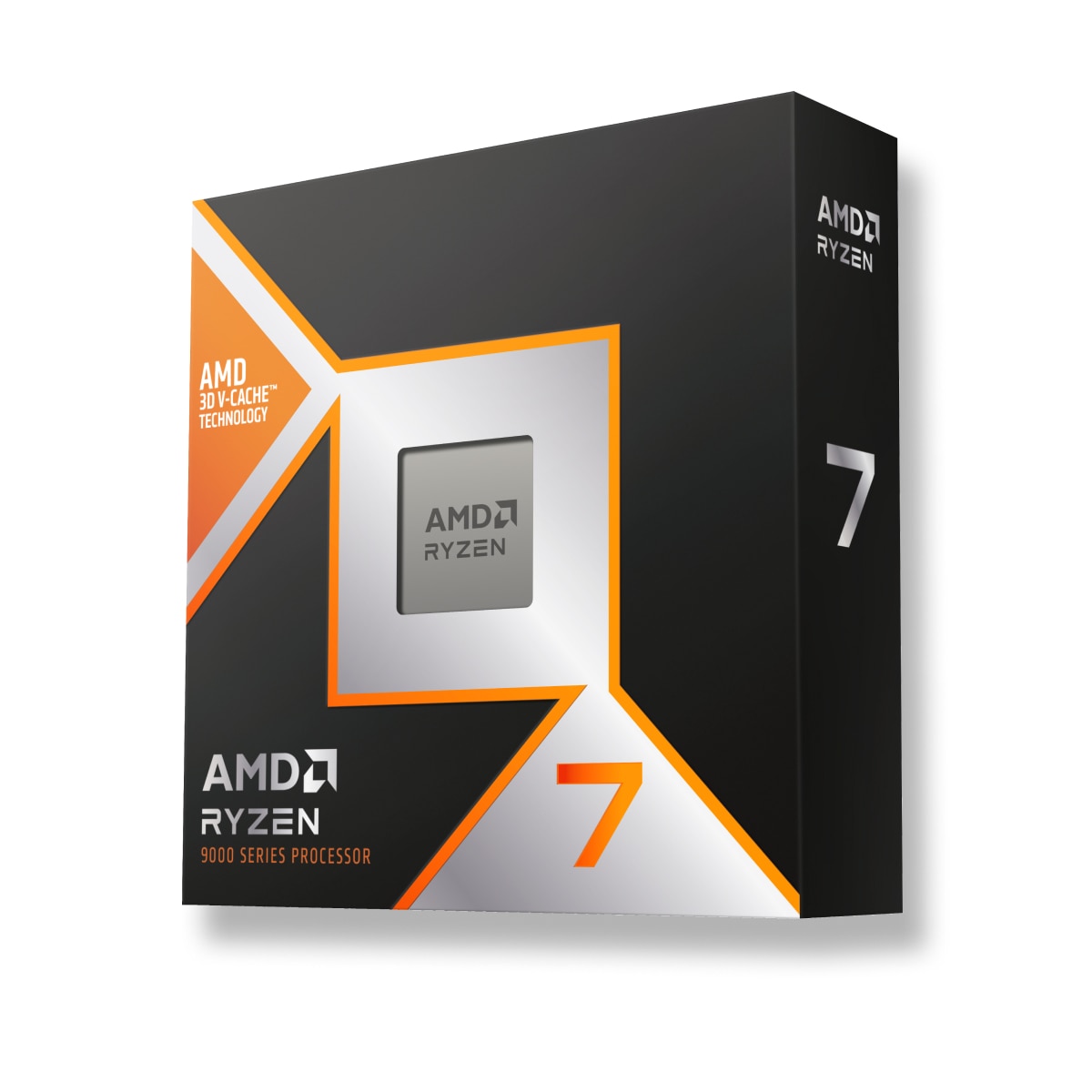
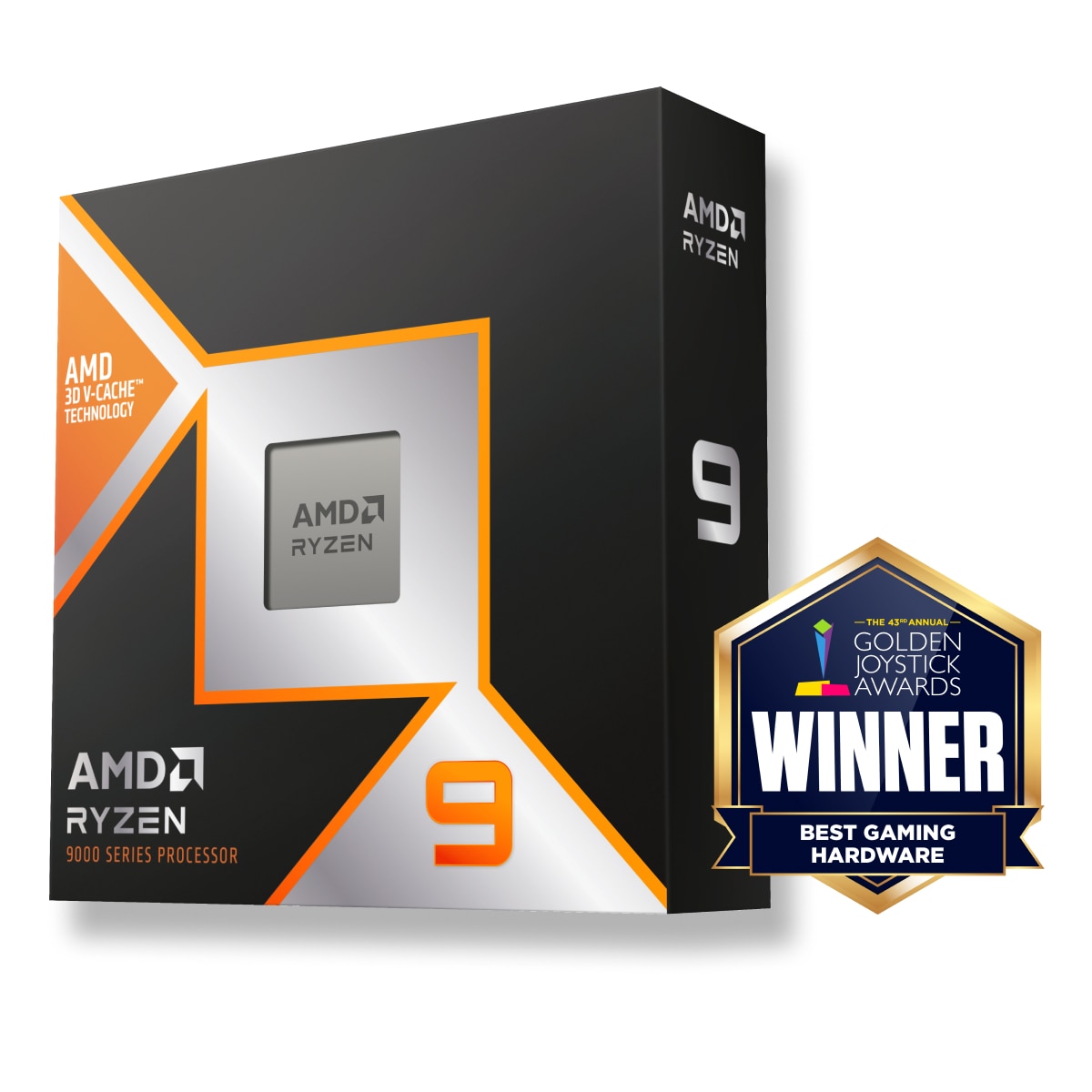
PC Components are the building blocks of your computer, providing the necessary hardware for optimal performance. Whether you're a gamer, content creator, or simply looking to upgrade your current system, finding the right PC Components is crucial. From Processors and Graphics Cards to Motherboards and RAM, each component plays a vital role in your computer's overall functionality. When choosing PC Components, consider factors such as compatibility, performance, and power consumption. Different components offer varying levels of processing speed, memory capacity, and graphics capabilities, making it essential to compare alternatives to find the best fit for your specific needs. By exploring different options, you can ensure your computer runs smoothly and efficiently.
A CPU (Central Processing Unit) handles general processing tasks, while a GPU (Graphics Processing Unit) is specifically designed for graphics rendering and compute tasks. Both are essential components of a computer, but they serve distinct purposes.
When selecting a Motherboard, consider factors such as compatibility with your CPU, RAM capacity, and expansion options (e.g., USB ports, SATA ports). Ensure the Motherboard supports your desired features and has enough room for future upgrades.
SSDs (Solid-State Drives) offer faster data access and transfer speeds, while HDDs (Hard Disk Drives) provide higher storage capacities at a lower cost per GB. SSDs are ideal for operating systems and applications, while HDDs are better suited for mass storage.
The amount of RAM needed depends on your usage. For general use, 8-16 GB is sufficient. However, for gaming, content creation, or heavy multitasking, 32 GB or more is recommended to ensure smooth performance.