



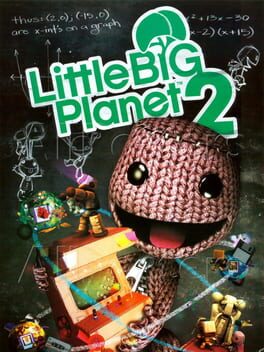
LittleBigPlanet 2
Create, share, and play endless platform adventures.
Best for
Creative gamers and families wanting endless co-op platforming.
Skip if
You dislike learning curves, performance drops, or play exclusively on non-PS3 hardware.




What is LittleBigPlanet 2?
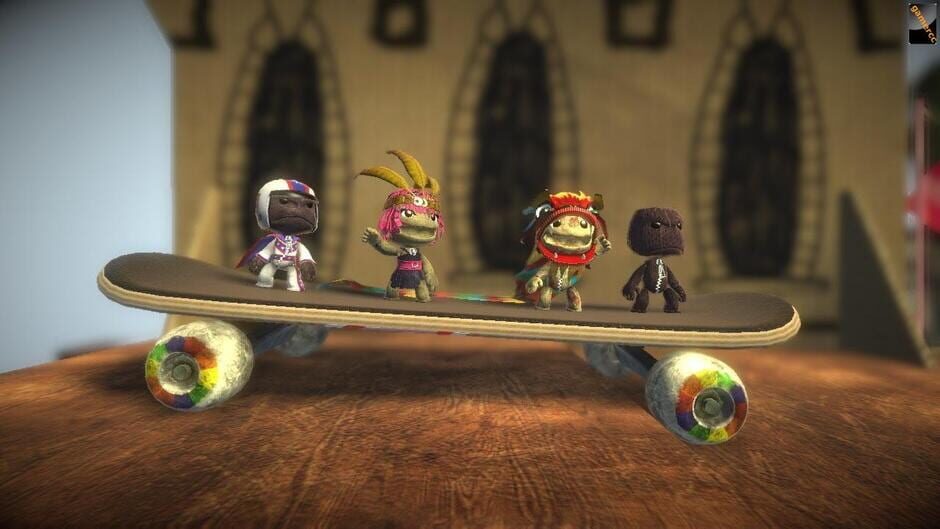
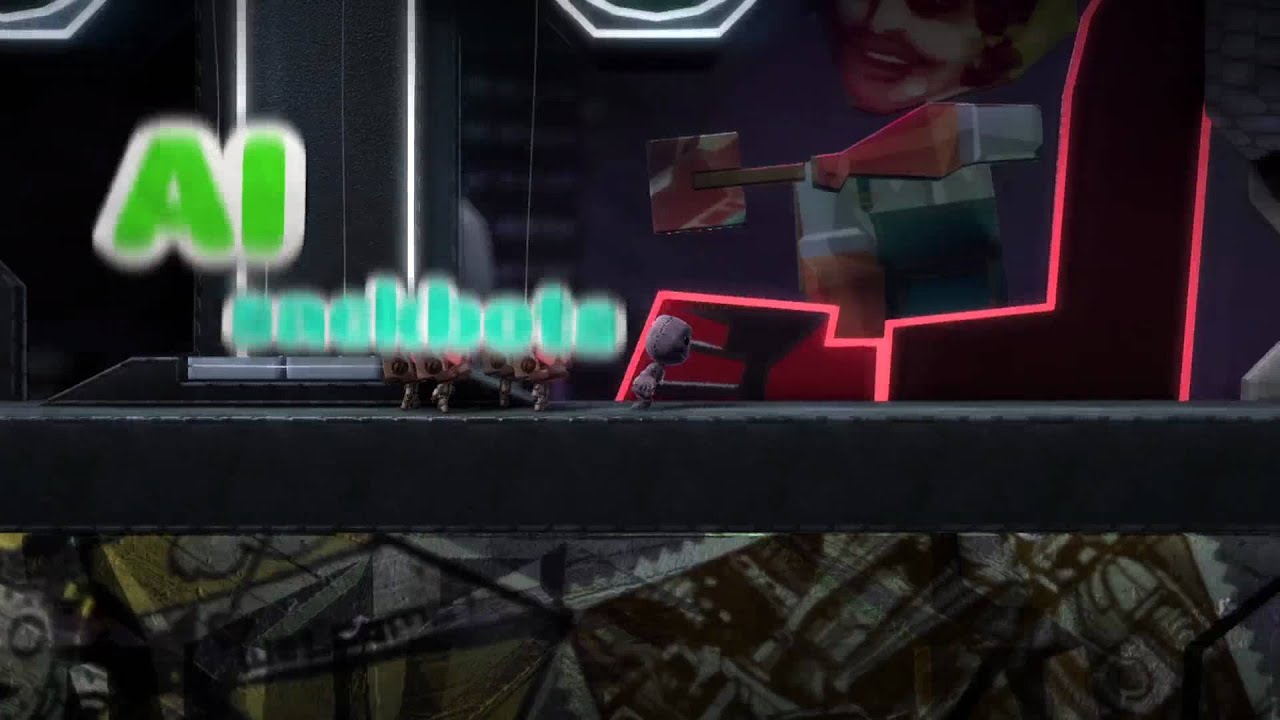
LittleBigPlanet 2 expands the beloved Sackboy universe with powerful creation tools, letting players design their own levels, games, and experiences. The sequel builds on the original’s charm while introducing a robust “Platform for Games” philosophy that encourages endless creativity. The game offers a rich single‑player campaign, cooperative play, and a thriving online community where user‑generated content is fully backward compatible with the first title. With its whimsical art style and accessible controls, it appeals to both kids and seasoned gamers alike.
SpecificationsAI-estimated
Key Features of LittleBigPlanet 2
Use Cases for LittleBigPlanet 2
Level Design
Design custom platform levels and share them with the community.
Co‑op Play
Team up with friends locally or online to solve puzzles together.
Educational Projects
Use the sandbox tools for classroom activities that teach logic and creativity.
Game Prototyping
Prototype simple game mechanics without programming knowledge.
Pros & Cons of LittleBigPlanet 2
Pros
- Extensive creation tools empower endless content
- Strong community with millions of user‑made levels
- Co‑operative multiplayer enhances replayability
- Backward compatibility preserves earlier creations
Cons
- Occasional performance drops in heavily populated online hubs
- Learning curve for advanced scripting can be steep
- Limited to PlayStation 3 hardware
Frequently Asked Questions
What platforms is LittleBigPlanet 2 available on?
It is available exclusively for the PlayStation 3 console.
Can I play levels made for the first LittleBigPlanet?
Yes, all user‑created content from the original game is fully backward compatible.
Is there an online multiplayer component?
Yes, the game supports both local and online multiplayer, including cooperative modes.
Do I need an internet connection to use the creation tools?
No, the creation tools work offline; an internet connection is only required to upload or download community content.
Pricing Overview
View full pricing →Detailed plans are not listed. Visit the official website for pricing information.
Reviews & Ratings0.0
No reviews yet. Be the first to write one!
Top Alternatives & Similar Tools
View all alternatives & similar tools →No alternatives available yet.
People also viewed

Related searches
About the Tool
Is this your tool?
Claim this page to update details, reply to user reviews, and drive more traffic to your product.
Claim this Product →